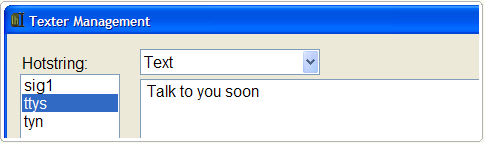
Lifehacker is quite enthusiastic about their productivity tool, Texter, and I have to say it sounds like an ultra-useful utility.
Unlike software-specific text replacement features, Texter runs in the Windows system tray and works in any application you're typing in. Texter can also set return-to markers for your cursor and insert clipboard contents into your replacement text, in addition to more advanced keyboard macros. Did we mention it's free?I can't wait to start using it!
Texter Installer

Barry's Best Computer Tips is updated several times every day; the easiest way to get your daily dose is by subscribing to our news feed. Stay on top of all our updates by subscribing now via RSS or Email.

